 FoxCue
Product Updates from GitHub
Connect GitHub and turn repository changes into FoxCue video plans. Review coverage before a new script or an update to an existing video.
Product updates (/product-updates) is in the sidebar under Create. It reads a connected GitHub repository and asks what should become a video. The GitHub App has to be configured on the server. If Connect GitHub is missing, this workspace cannot use it yet.
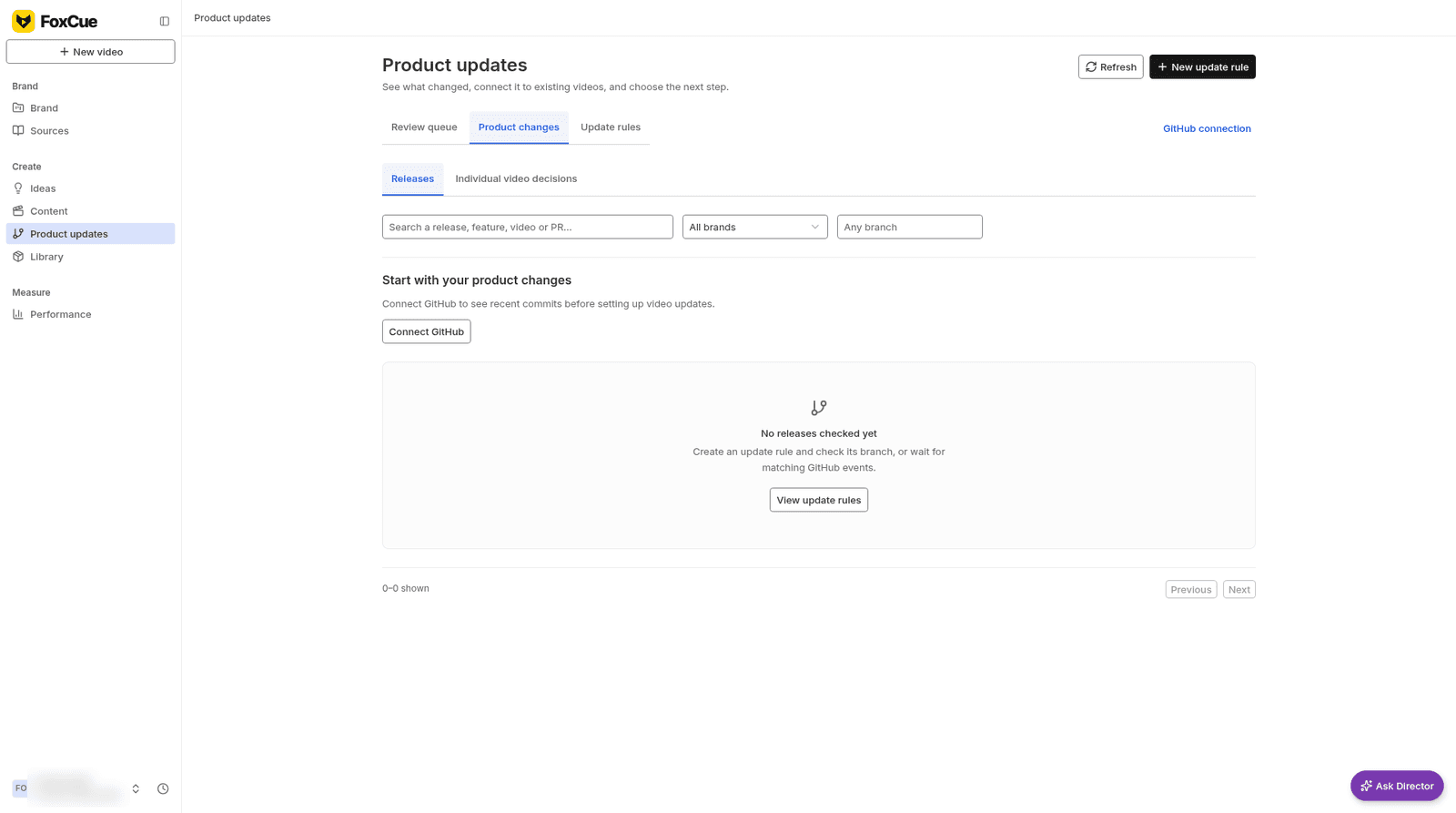
Product changes, with no releases checked yet.
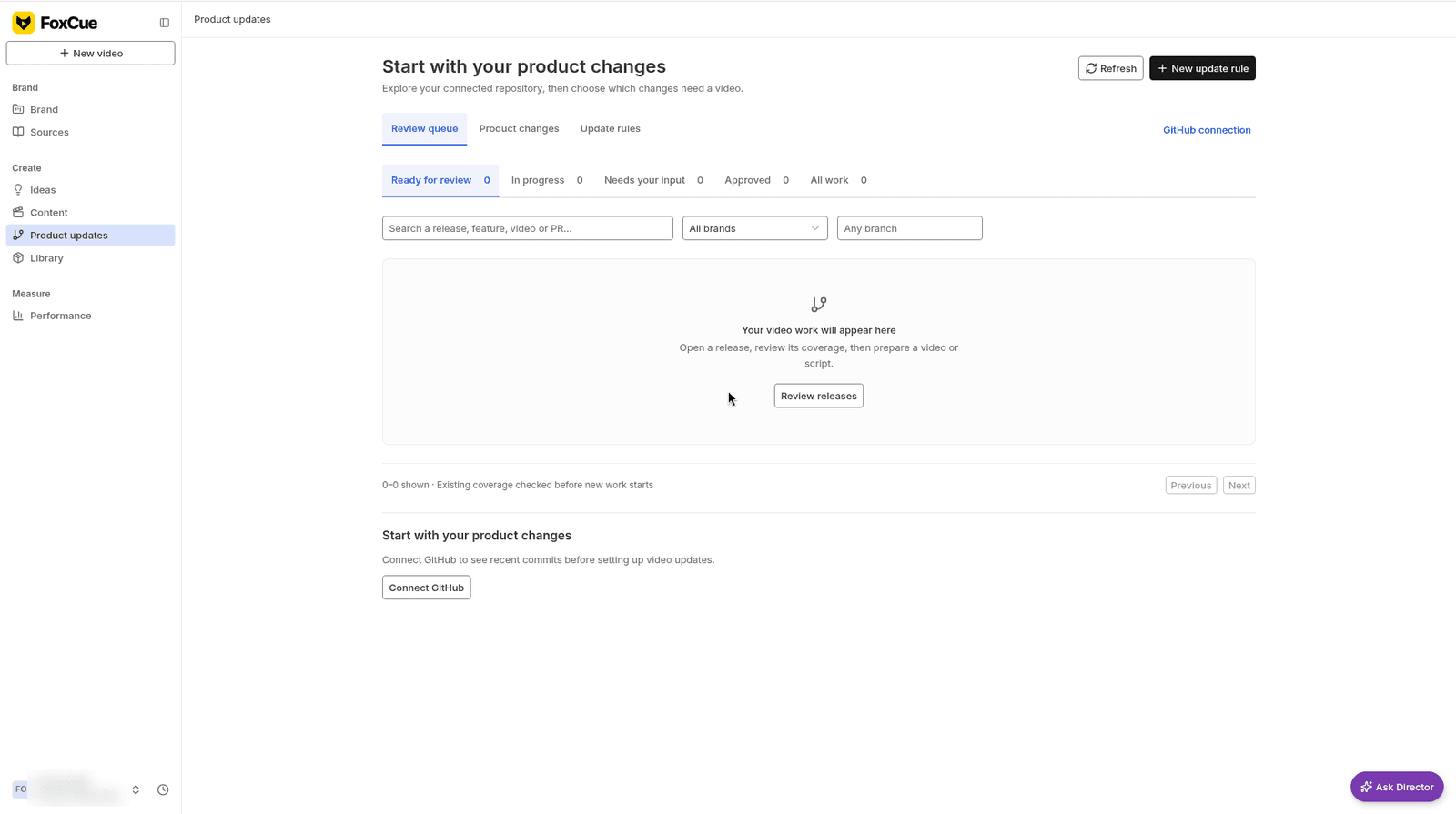
The review queue, empty.
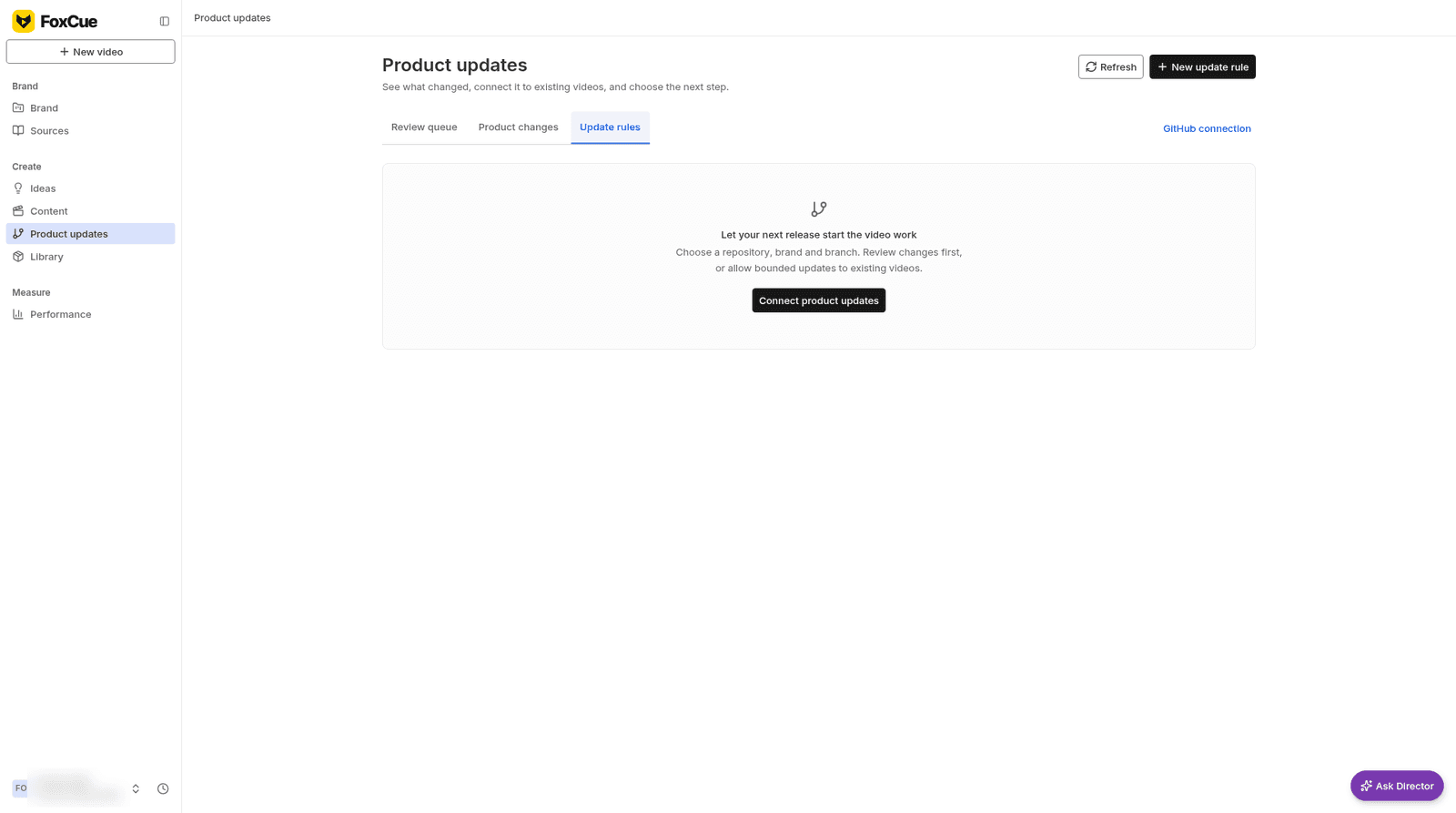
Update rules.
Settings → Integrations describes GitHub as "Give Director the code and documentation behind your product." Only the workspace owner manages update rules.
What you do
Connect GitHub
Settings → Integrations → Manage GitHub, or Connect GitHub on Product updates. Commits are source evidence. They are not proof that a change is deployed or that a video is finished.
Add an update rule
New update rule. Choose a repository, brand and branch. You can review changes first, or allow bounded updates to existing videos. The rule shows a per-draft budget and a monthly budget. A check that fails asks you to review repository access and the rule.
Review coverage
Open a release. The path is: review source changes, check existing video coverage, choose what to prepare. Decisions include Needs coverage review, Covered by existing video, No video needed, Update video and New video or script. Titles alone do not prove coverage. Open the script and the publication evidence.
Prepare the video
Prepare with Director starts an AI draft inside the rule's budget, or you write and record the script yourself. Record myself needs a saved recording script. Continue to Content is where you review the publishing destination and schedule. Publishing still depends on YouTube upload being enabled.
Saving a coverage decision saves a plan. Generation and publishing are separate.