 FoxCue
Director: Make and Edit a Video
Use the FoxCue Director to make and edit a video in Ask, Plan or Auto. Review changes, then keep yours or keep the Director's.
The Director is the video agent. When it is enabled, New video opens /make. The same agent sits in the editor. If it is not enabled, New video opens the other create-a-video page. Enablement is per workspace. Do not assume every workspace has it.
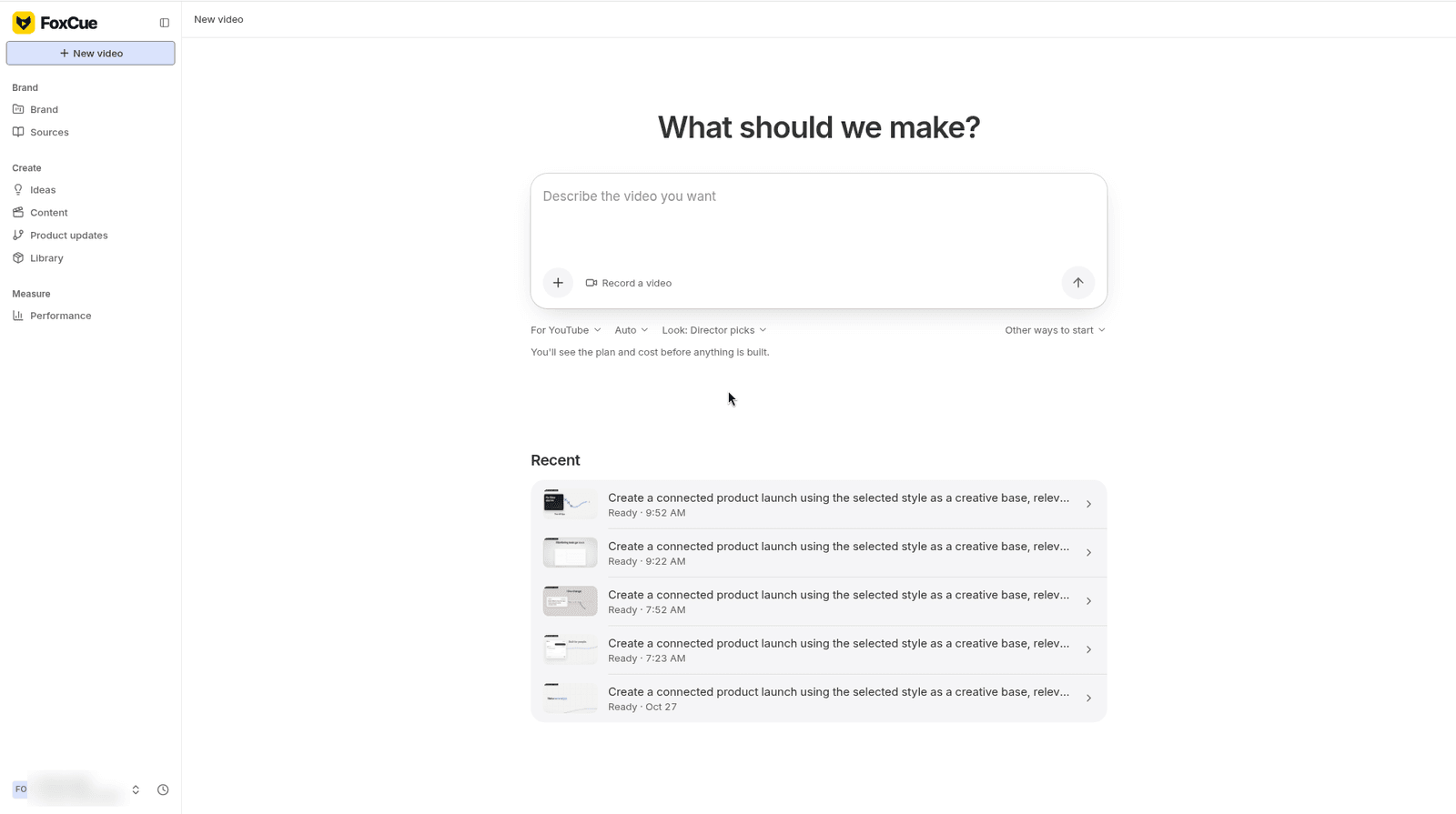
New video (/make), with an empty prompt and recent videos underneath.
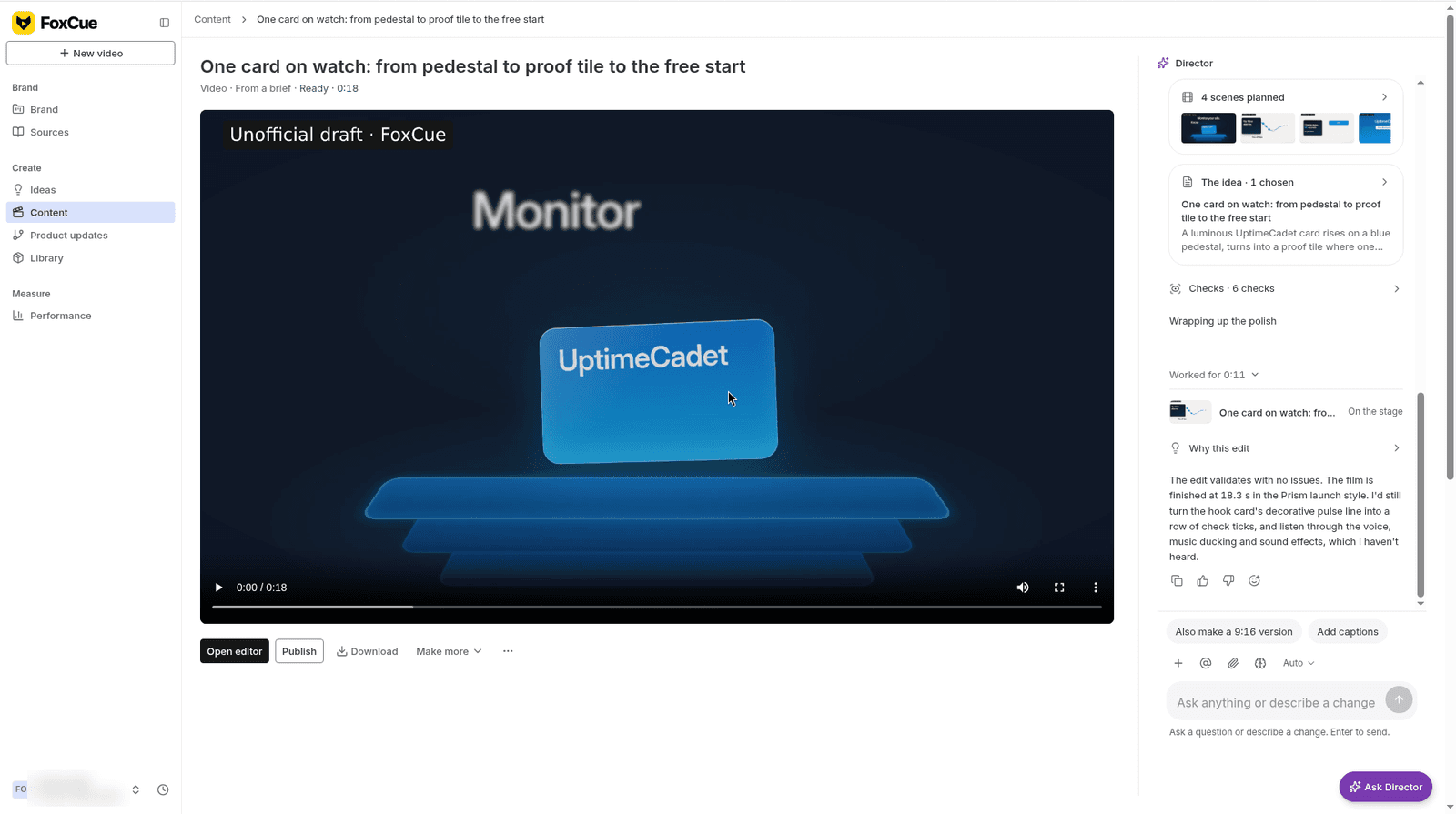
A video page with the player and the Director panel.
Director memory (Settings → Director memory, /settings?tab=memory) holds rules the Director follows on every video in the workspace.
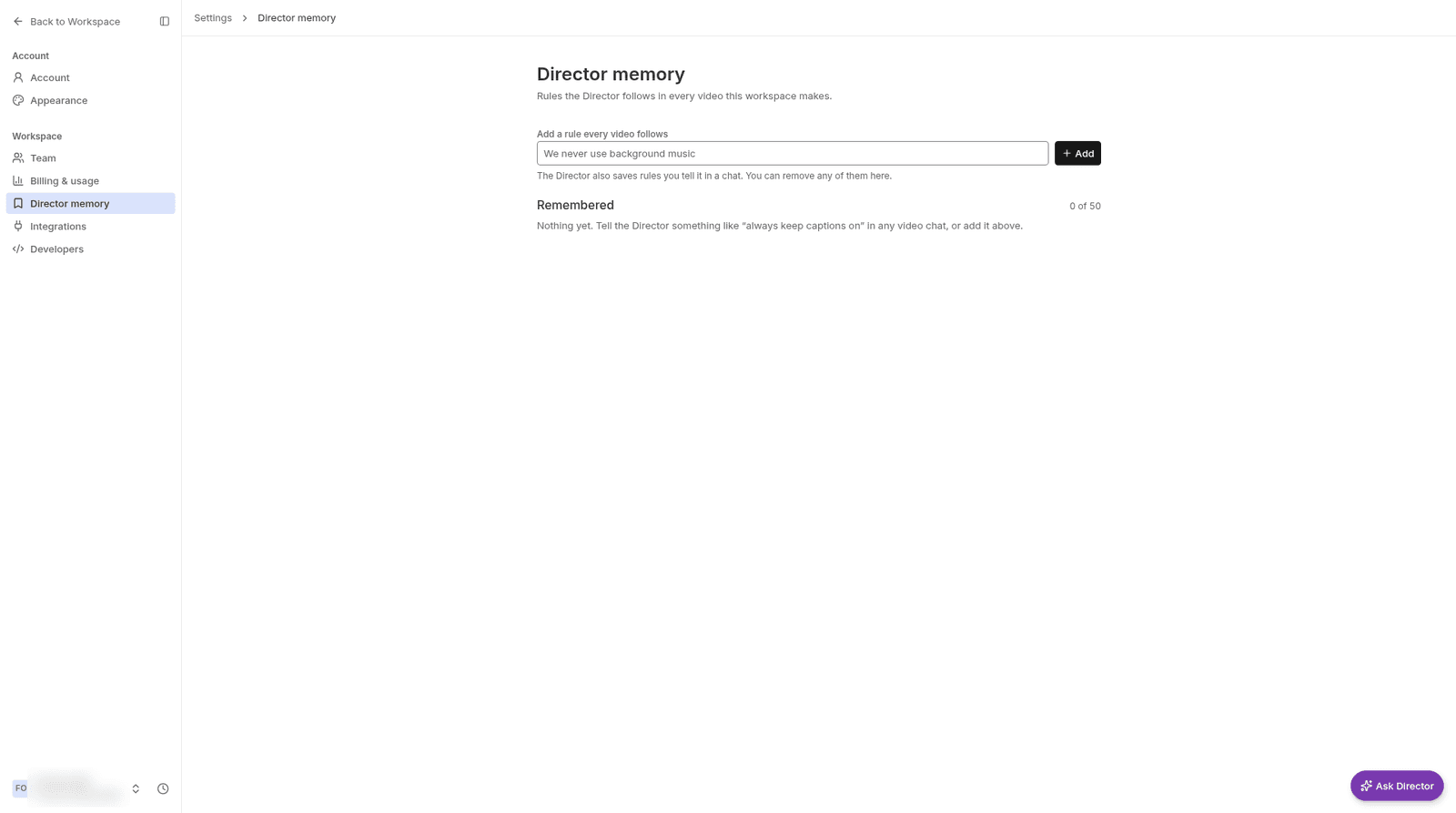
Director memory, where the workspace keeps rules the Director follows.
The Studio Agent panel is still in the advanced editor. Use the Director for the run. Use the Studio Agent when you are already on the timeline.
Ask, Plan and Auto
The mode menu includes Ask, Plan and Auto. Plan shows you the plan before it builds ("Shows you the plan before building"). You can select an area of the frame and ask for a change there. Finish it continues a run that is waiting.
Review a change
When the video changed while you were editing, the choice is Keep mine or Keep the Director's (or Keep theirs when the change is not only from the Director). You can revert and compare.
A run uses these labels:
| State | Label |
|---|---|
| Queued | Waiting to start |
| Running | Being made |
| Waiting for a plan | Plan waiting for you |
| Failed | Didn't finish |
| Canceled | Stopped |
If a run fails, nothing from that failed step is applied. Send it again. If the Director pauses after many steps, the screen tells you to say "continue". If it hits the limit for one message, ask for a smaller change.
Open advanced editor leaves the simple review for the timeline. See the editor.
Budgets
Some Director runs show a credit estimate before they start. Wait for that estimate, and review it if it changes, before you start. "Too many runs are going in this workspace" means you should wait. The message says nothing was charged.
Frequently asked questions
Does the Director publish the video?
No. Publishing is a separate step and may not be enabled. Download from Content or publish when YouTube upload is available.
Where are old runs?
Open the Director run from the video. Stopped runs keep anything already proposed so you can apply or discard it.