 FoxCue
Settings Integrations: GitHub, Demos and Product Updates
Connect GitHub, approve demo sites, and manage product-update rules from FoxCue Settings → Integrations.
Approved Demos is not a sidebar item. It is inside Settings → Integrations and may not be enabled on your workspace yet. Only an owner can add or remove a demo when the section is shown.
Settings → Integrations (/settings?tab=integrations) is where the owner connects product sources. The three rows are:
| Row | What it says | Action |
|---|---|---|
| GitHub | Give Director the code and documentation behind your product | Manage GitHub |
| Product demos | Let Director capture real screens from a demo you approve | Manage demo access |
| Product updates | Choose when product changes should become suggestions or new video drafts | Manage updates |
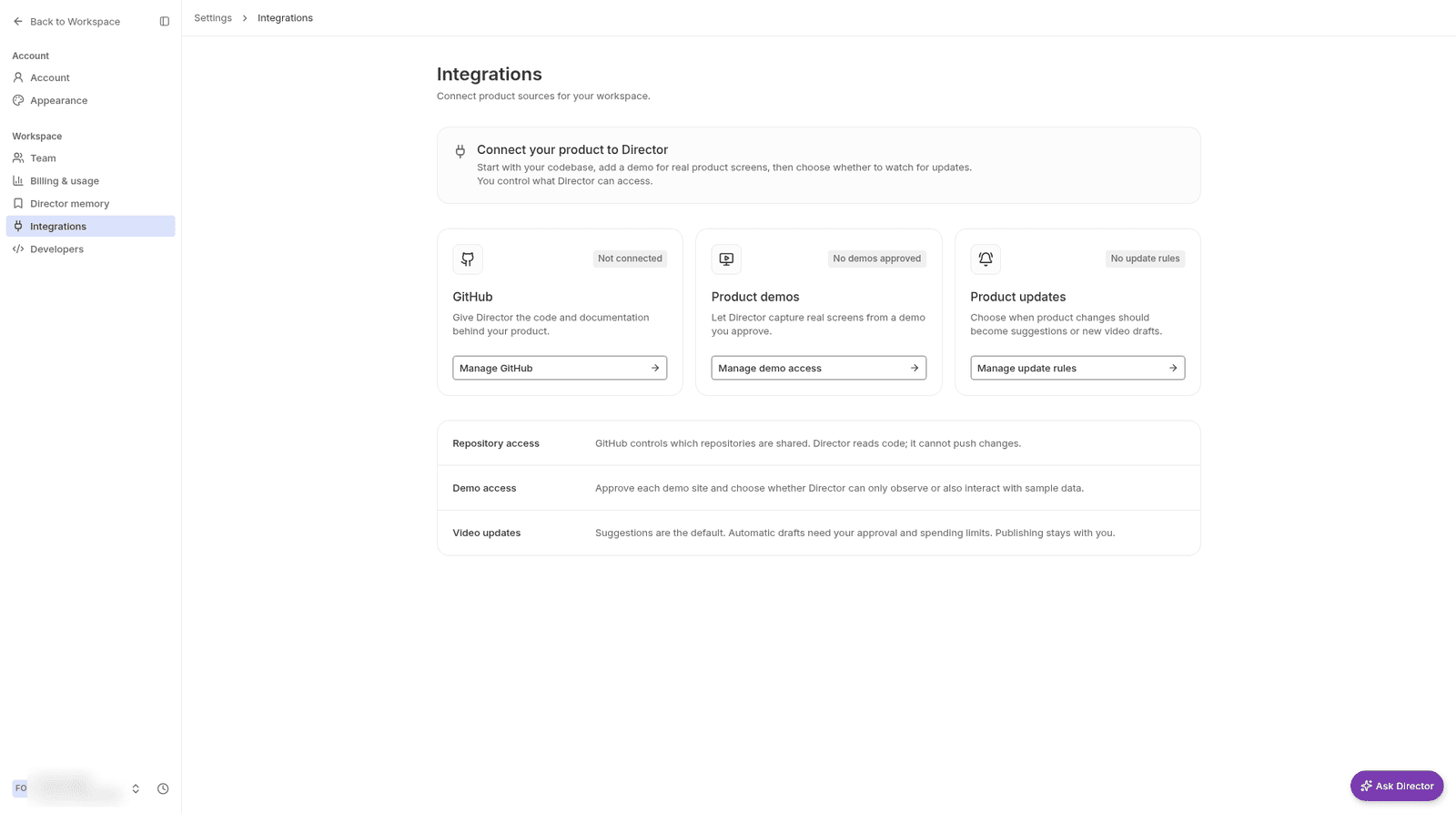
Integrations, with nothing connected yet.
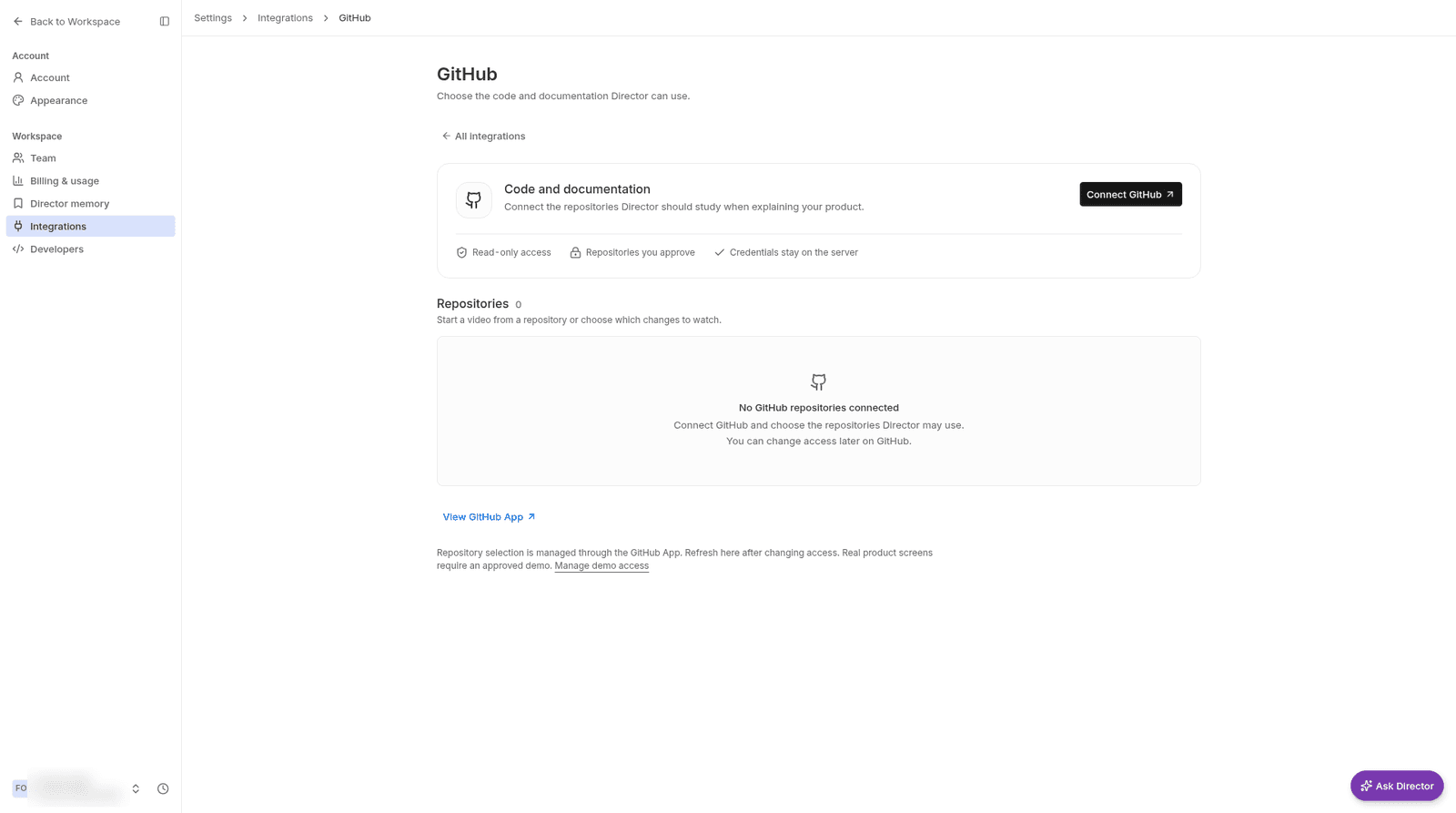
GitHub inside Settings → Integrations.
YouTube and Search Console results are under Measure → Performance. /integrations redirects to /performance?tab=connections.
Approved demos
Approved Demos says: "Only approved demo sites can be used for product screenshots and recordings." Add demo is there for the owner. Anyone else sees "Only the workspace owner can approve or remove demo sites."
Product capture also depends on the server. If automated browser capture is off, the app tells you to record or upload clips yourself. A demo you approved still cannot be captured until that capture service is on.