 FoxCue
Websites and Channels on a Brand
Add websites and YouTube channels on a FoxCue brand: make a site primary, read another site, and remove a channel connection.
Open the brand and the Websites & Channels tab. This is where a brand's sites and channel connections are managed. Sources still hold the imported pages.
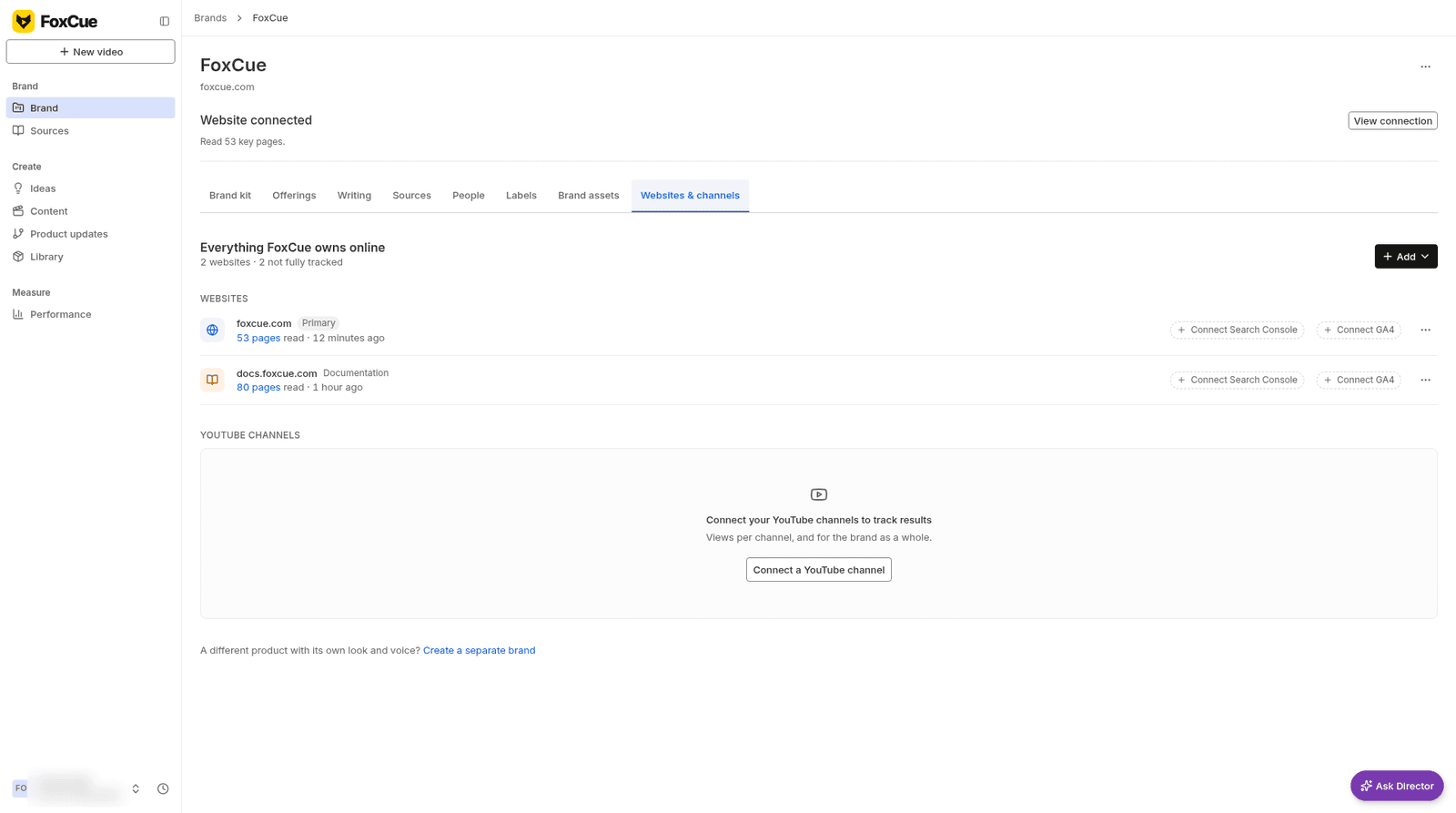
Websites & channels, with a primary site and a documentation site. The YouTube channels section is empty.
Websites
- Add a site from the website intake.
- Make primary sets the site FoxCue treats as the brand's main site. The current primary does not show that action.
- Read this site too imports another host without making it primary.
A failed read says the website reader could not finish, or that the site's crawl rules block those pages. Your saved pages stay. Check the import before you try again.
Channels
Connect a YouTube channel on this tab when Performance asks you to add it in Websites & Channels. Remove connection disconnects it. Publishing consent is a separate enablement: Enable YouTube publishing. Uploads stay unavailable until that is on. See Publish to YouTube.
Performance shows All channels totals and a Websites tab for site results. See YouTube performance.